
How Vocalis works
One guided path from context to reviewed publishing.
Vocalis keeps your identity, brand knowledge, source material, refinement, and schedule connected. These seven stages show the current product workflow with reviewed screenshots, documentation, and transcript-first video guides.
Stage 1
Define how you communicate
Set the identity, personas, voice, and style that should guide every draft.
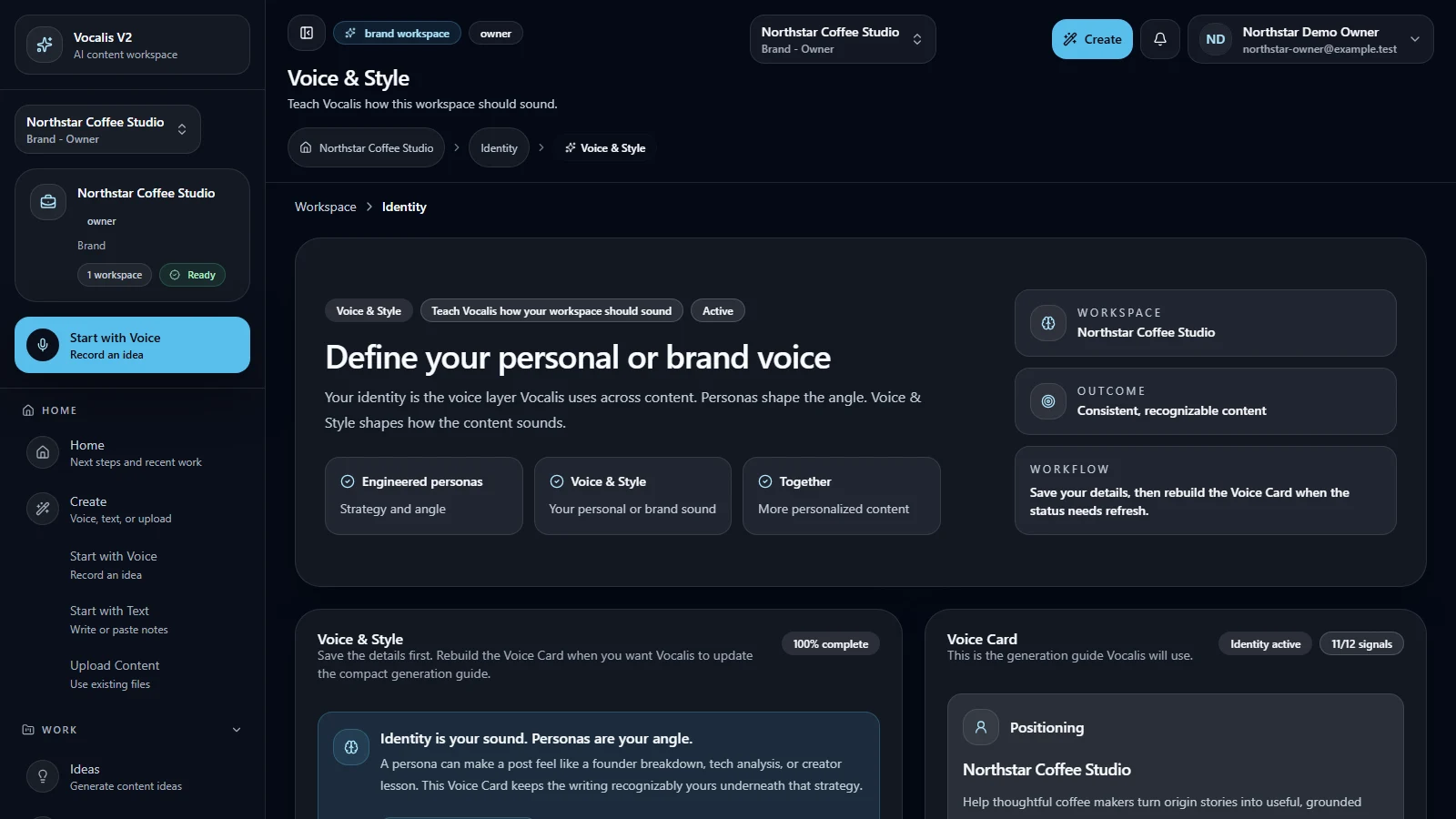
Current product capture · synthetic workspace data Stage 2
Teach Vocalis about your Brand
Add reviewed brand context and knowledge so creation starts from your business, not a blank prompt.
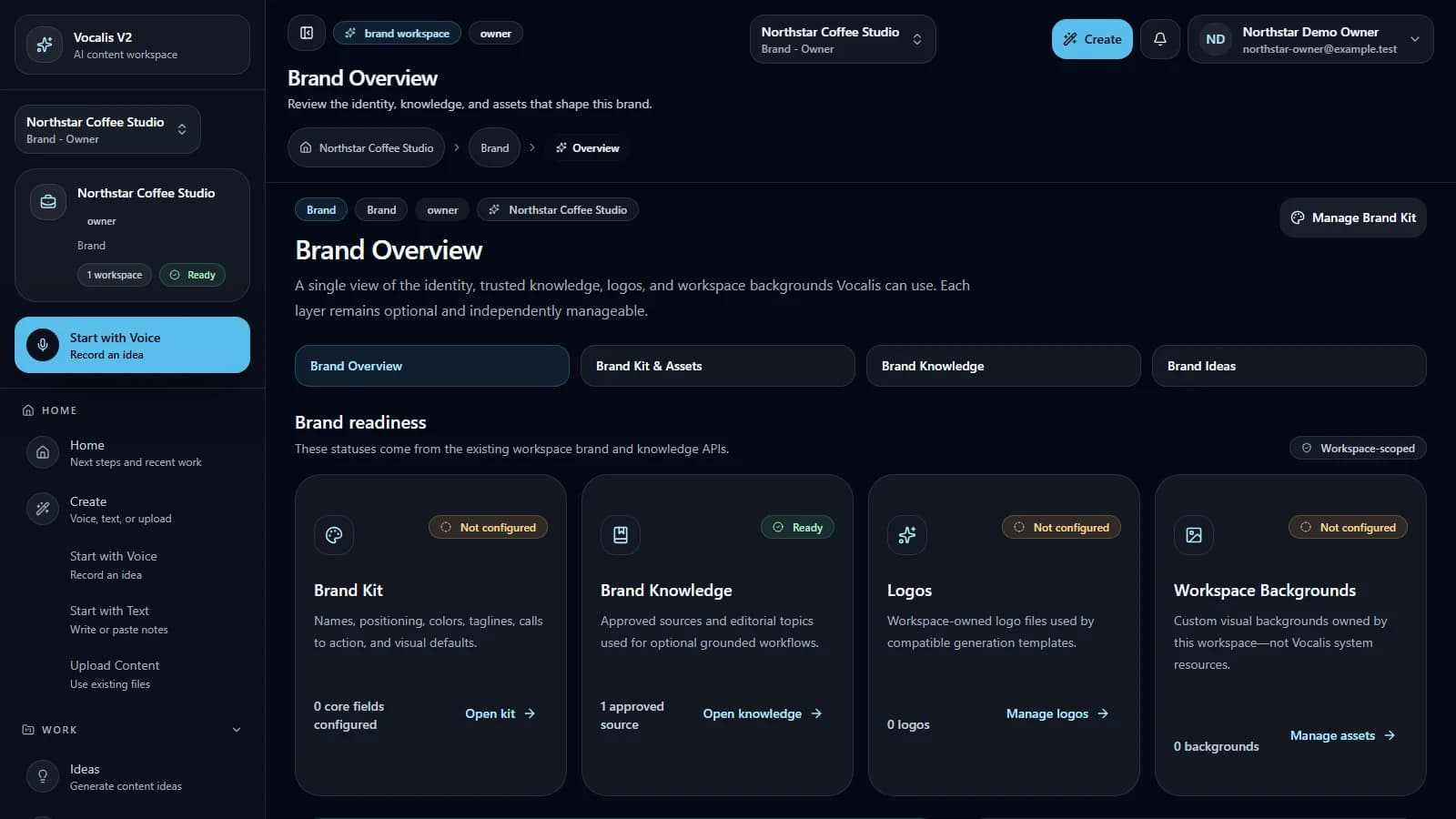
Current product capture · synthetic workspace data Stage 3
Discover what to say
Turn your goals and current ideas into a clear starting point before generation begins.
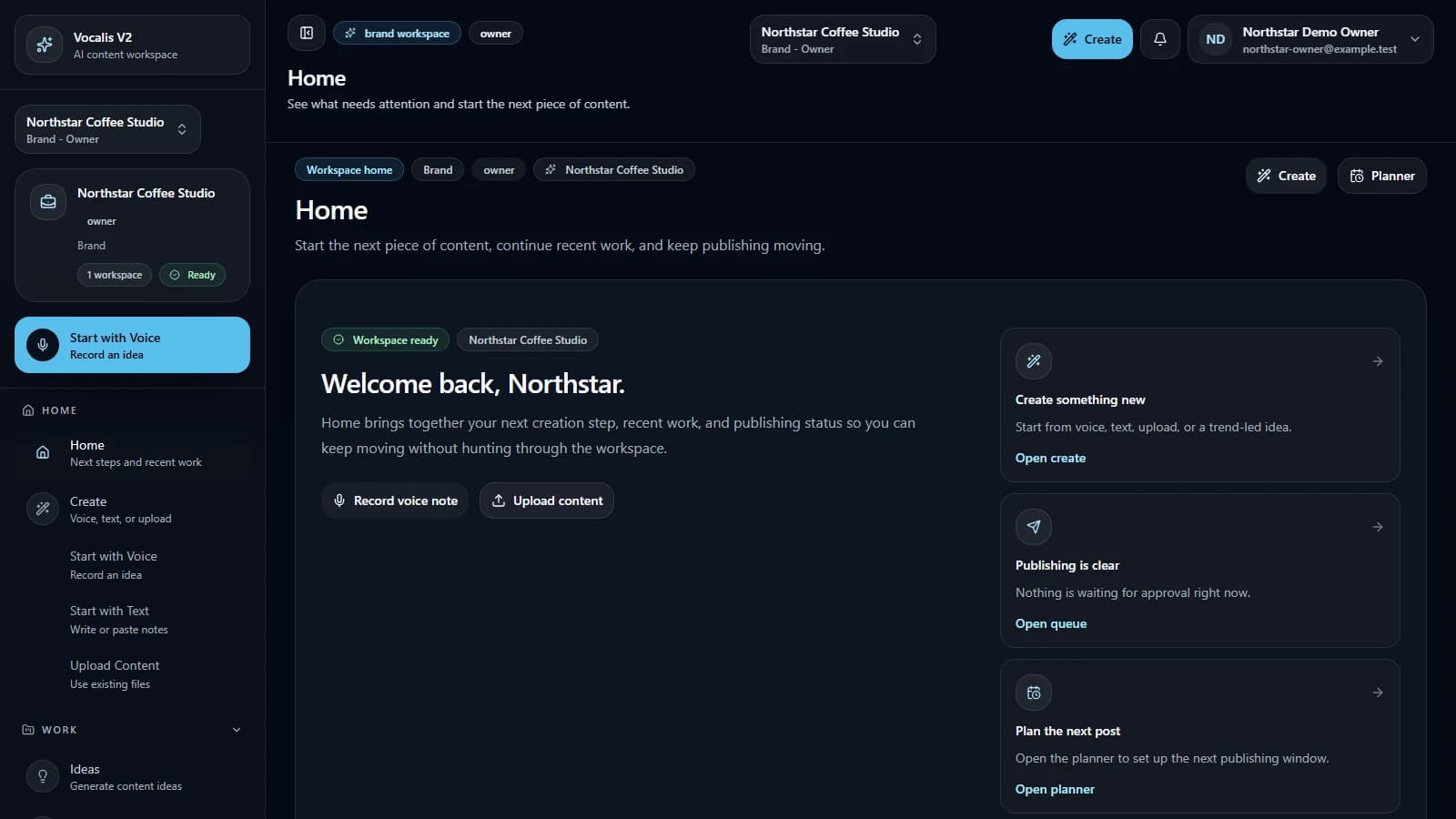
Current product capture · synthetic workspace data Stage 4
Create content
Start from text, voice, or an upload and keep the source attached to the project workflow.
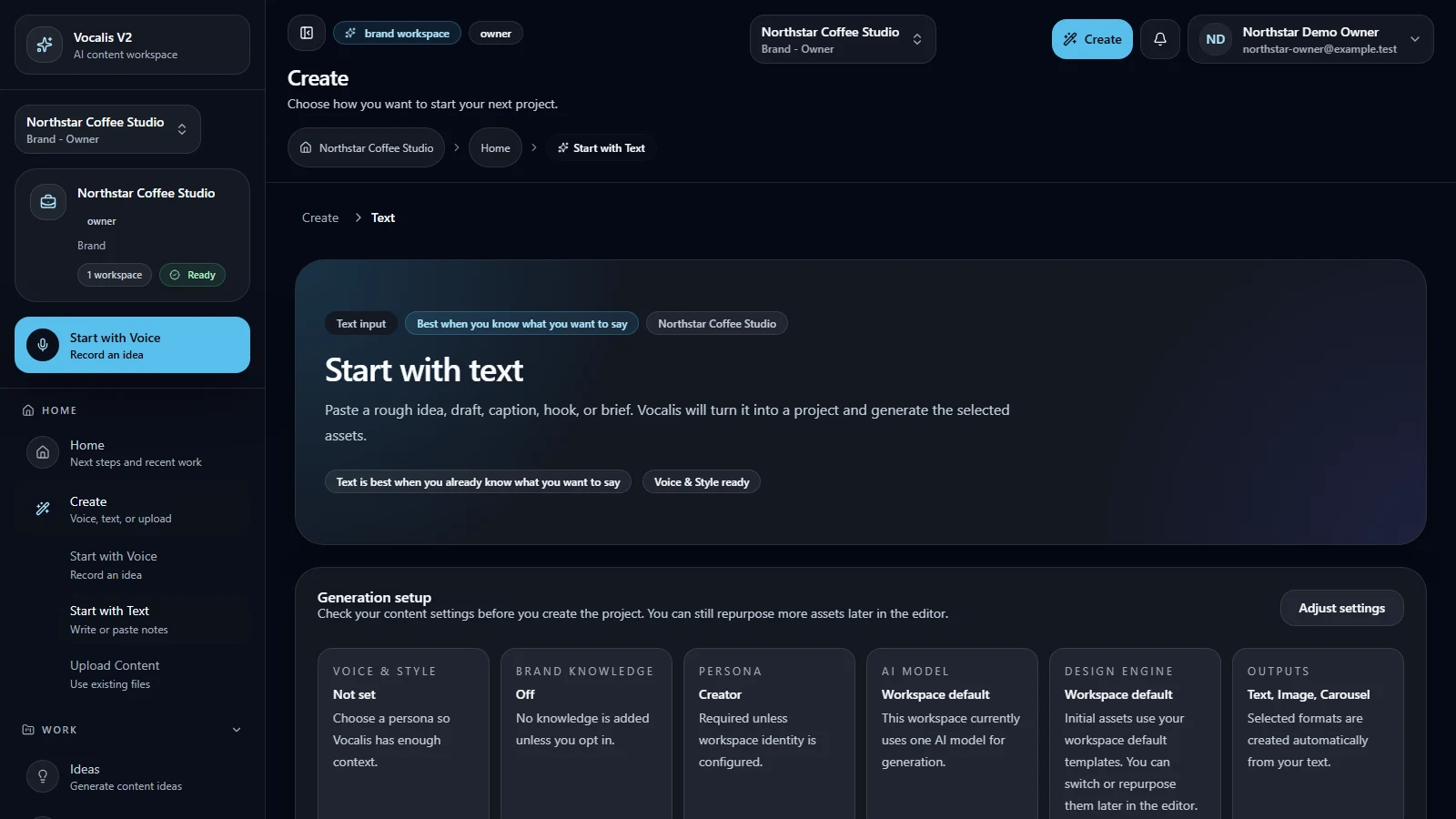
Current product capture · synthetic workspace data Stage 5
Refine it
Edit the draft, inspect quality context, and manage versions before anything reaches publishing.
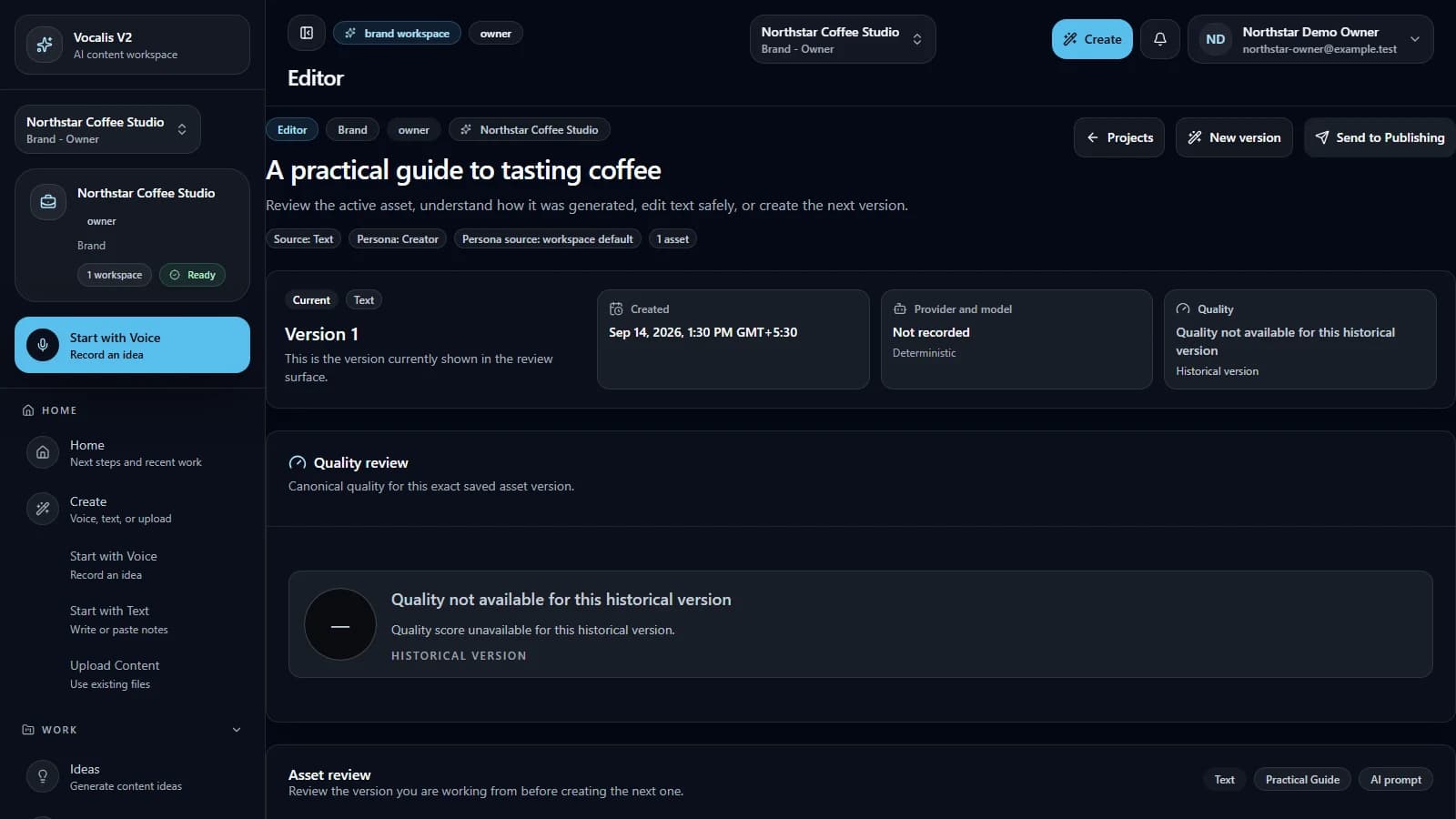
Current product capture · synthetic workspace data Stage 6
Automate it
Prepare controlled BlackBox workflows with readiness checks and a human review point.
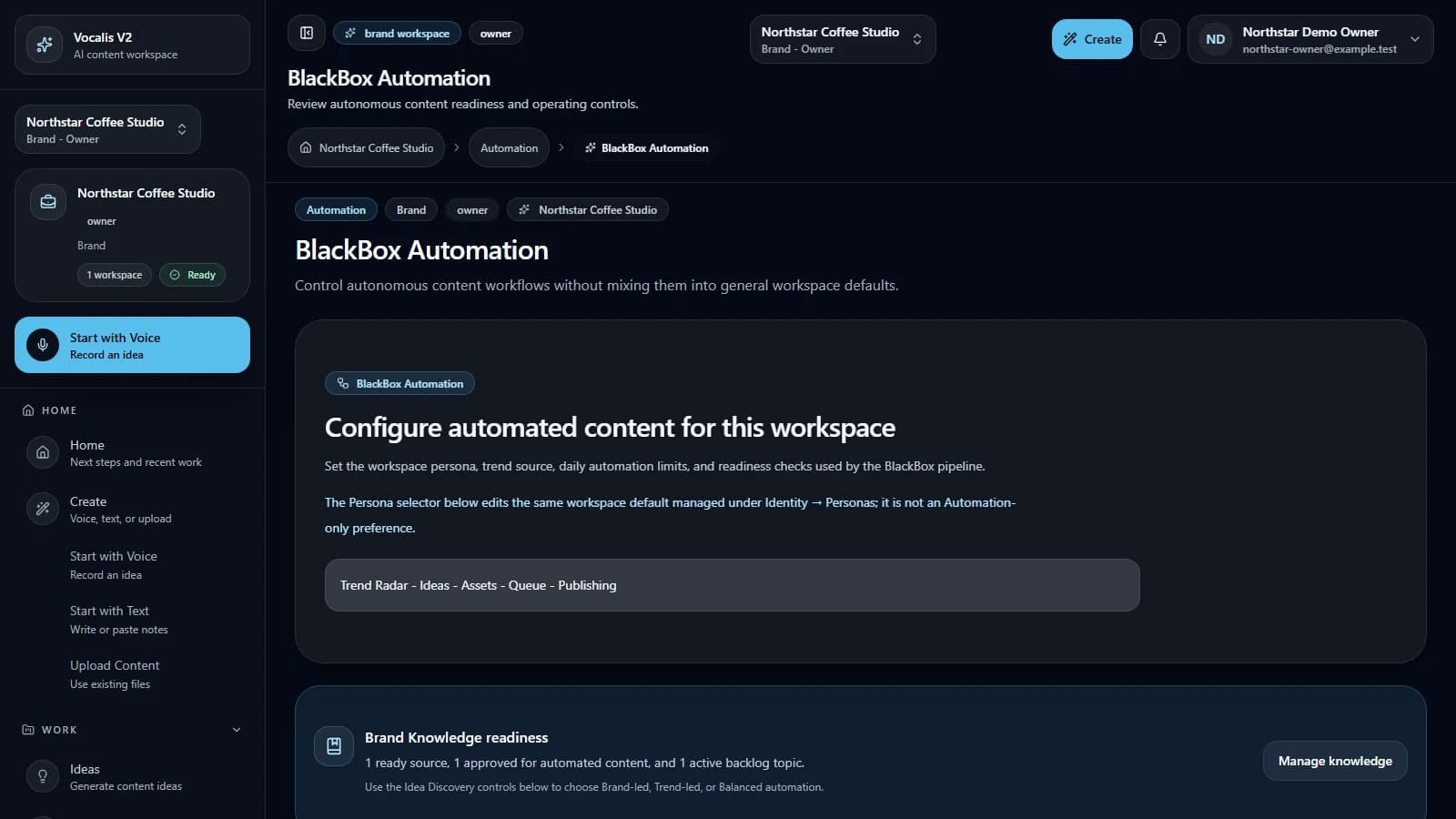
Current product capture · synthetic workspace data Stage 7
Schedule and publish
Move reviewed work into the planner and schedule it in the workspace timezone when destinations are ready.
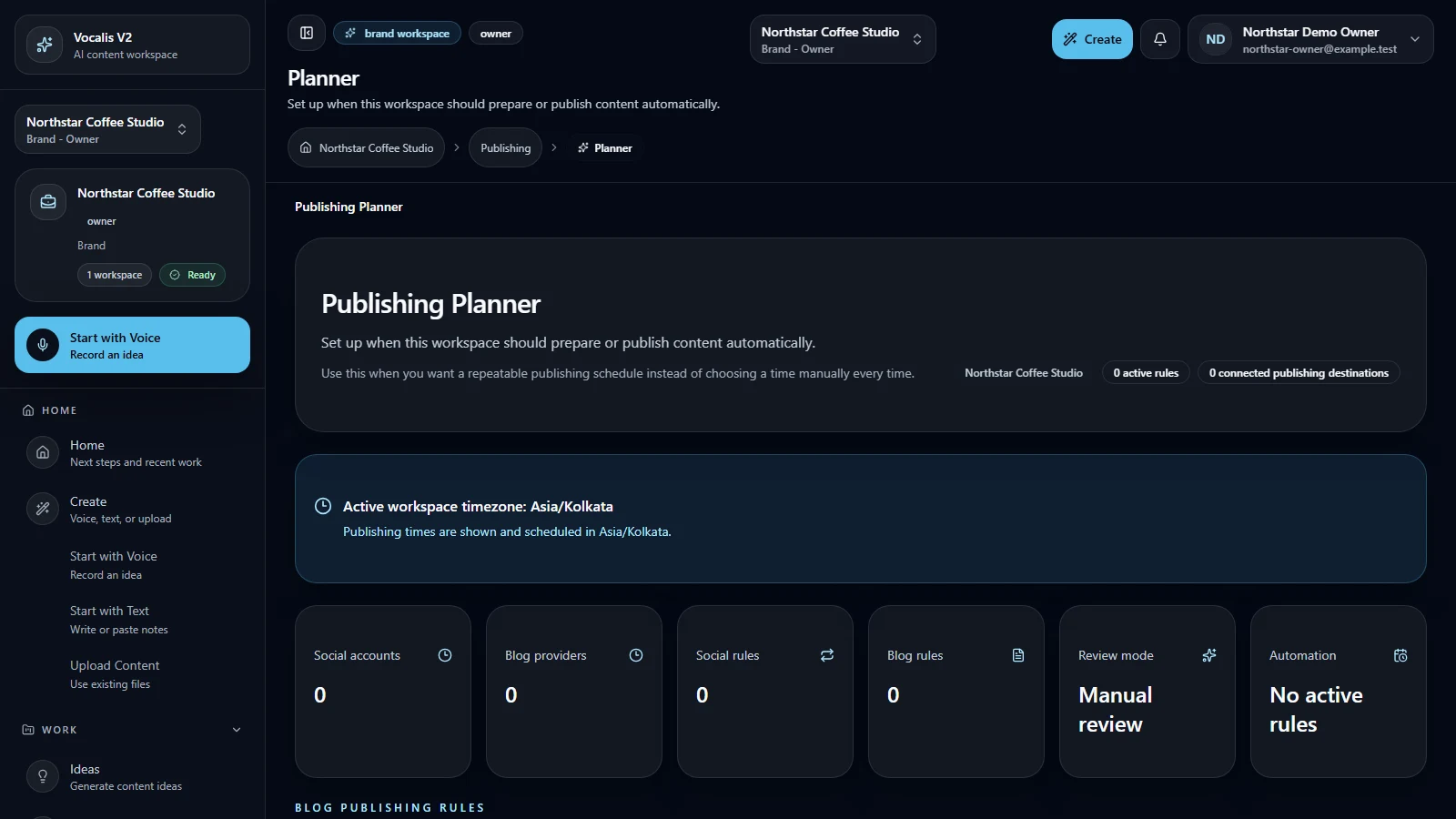
Current product capture · synthetic workspace data
Useful before a player ever loads.
The learning path remains complete when optional third-party media is blocked or unavailable.
Privacy-aware
No YouTube request occurs before Marketing consent and an explicit play action.
Transcript-first
Every eligible guide includes an accessible, indexable transcript and related docs.
Truthful states
Upload-ready, unlisted, and public-reviewed videos remain separate states.
Ready to make the workflow yours?
Start with the documentation, inspect the video guides, or enter Vocalis when you are ready to configure a workspace.